Expressions
Introduction
It is possible to use expressions in interactive design environment of buerligons but also in Buerli by programming. Expressions help us to define properties of cad objects like features, sketches, working geometry, ... by using mathematical expressions. Each expression contains a name and a mathematical expression and acts like a global variable of a part, which can be assigned to several feature attributes.
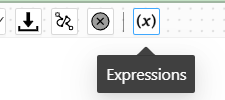
In buerligons you can open the expression plugin by clicking on the following button:
Defining expressions makes sense if you want to make dependencies between properties or configure variants of the same model. Updating an expression triggers a recalculation of the whole model. A simple expression can have a deep impact to the whole model and many of its features.
Plugin
Let's have a look into the expression plugin in buerligons.
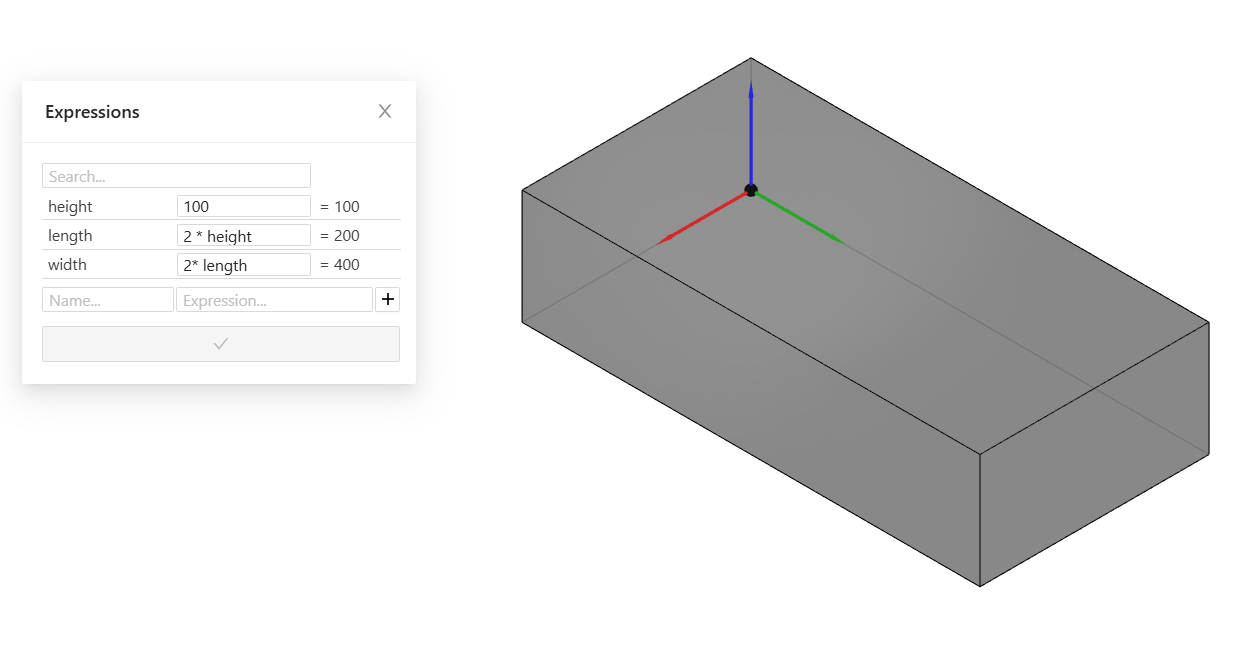
As you can see, we've only created three expressions for height, length and width. Each expression can also be a formula relating other expression. So it's not a complex mathematical expression, there are only simple values. To connect them to the dimension of the box, we need to open the box feature.
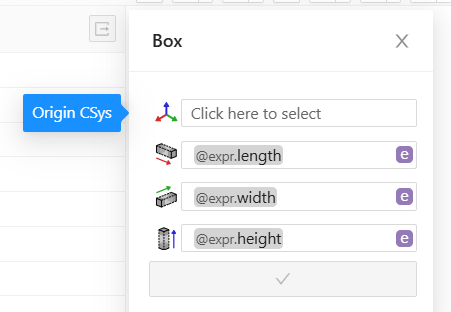
Connecting a value / property to an expression can be done with the small button next to the value field. We can change between "v" for value and "e" for expression. Typing the @ sign in the value shows the possible expressions that can be linked. After selecting an expression, you can see the @expr. In the picture above we can see that we've already set the expression for height and width, but not for length. After updating the box feature, we are able to change the values of any expression in the expression plugin and the box will automatically change its size.
For expressions which are not used in multiple features, we can define the expression directly in the input field. We don't need to do that via expression plugin. Just switch from "v" to "e" and write the expression into it.
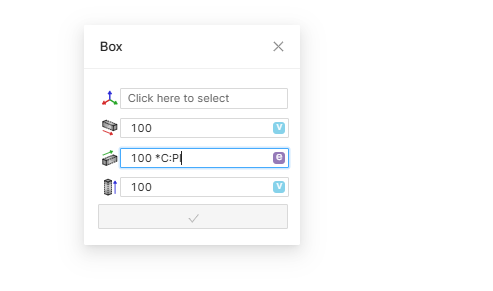
📝 Note: When working with angles, whether with or without expressions, the values are assumed to be angles in radians. To work with angles in degrees, one can simply add a "deg" after the value, e.g. 45deg or 90deg without space in between number and deg.
Mathematical expression
In the chapter before we simply added three expressions with a real value. That's fine but actually we can do much more with expressions. Consider a box whose height is always twice its width. The width will still be a simple value, which we can change to any value. The height on the otherside will need a mathematical expression. Let's see how to do that:
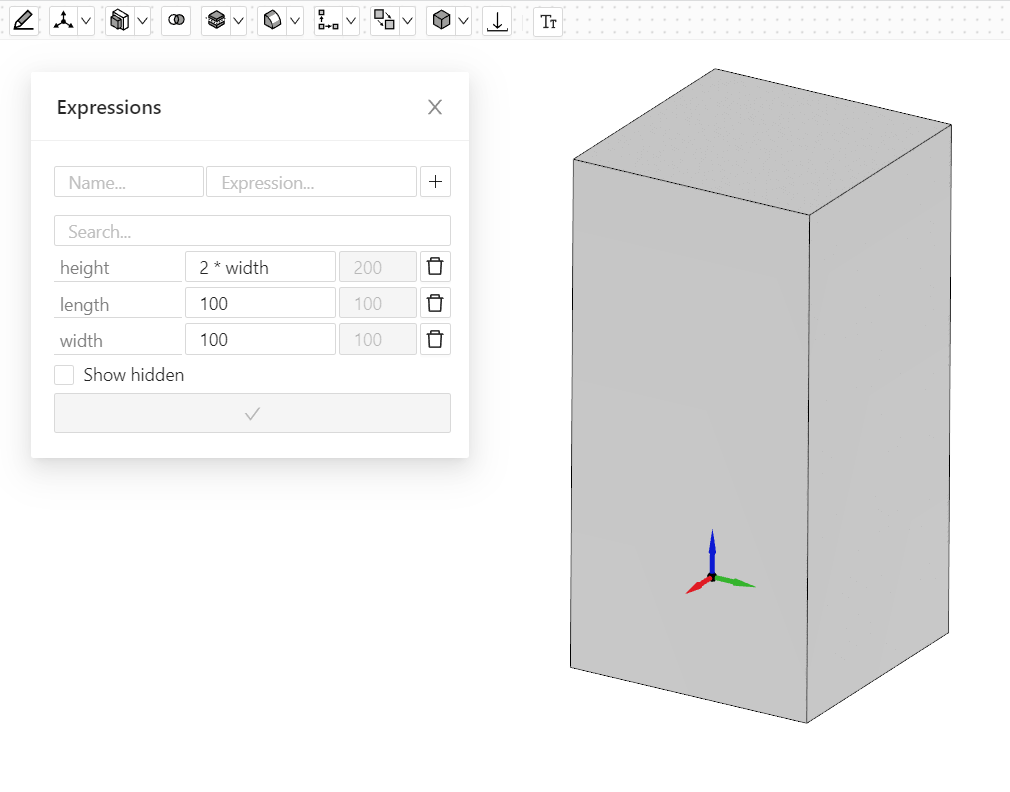
In the input field of the expressions we can access the value of other expressions by just using their names. As you will see in the gray and disabled input field next to the mathematical expression, the expression will always be solved to see what the actual value is after solving the mathematical expression.
Here's a list with all possible mathematical functions and constants you can use in the input field.
| function | description |
|---|---|
| abs(value) | returns the value without sign. |
| sign(value) | returns the sign of the value (+1 or -1). 0 returns 0. |
| max(value1, ..., valuen) | returns the biggest value of the arguments. |
| min(value1, ..., valuen) | returns the smallest value of the arguments. |
| a_r(value) | converts an angle from degree to radian. |
| r_a(value) | converts an angle from radians to degree. |
| sin(value) | sin of value (rad) is returned. |
| sinh(value) | sinh of value (rad) is returned. |
| asin(value) | arcsin of value (rad) is returned. |
| cos(value) | cos of value (rad) is returned. |
| cosh(value) | cosh of value (rad) is returned. |
| acos(value) | arccos of value (rad) is returned. |
| tan(value) | tan of value (rad) is returned. |
| tanh(value) | tanh of value (rad) is returned. |
| atan(value) | arctan of value (rad) is returned. Or arctan(value/Divisor) is returned. The second version gives values in the range of PI |
| exp(value) | exp of value is returned. |
| ln(value) | ln of value is returned. |
| log(value) | log of value is returned. |
| sqrt(value) | square root of value is returned. |
| pow(value, exponent) | value is raised to the Exponent power. |
| fmod(value1, value2) | res = value1 Modulo value2 (remainder of value/value2) |
| div(value1, value2) | res = (int)(value1 / value2 (DIV operator for integer) |
| 'C:PI' | definition for 'PI'. (3.14159265358979323846) |