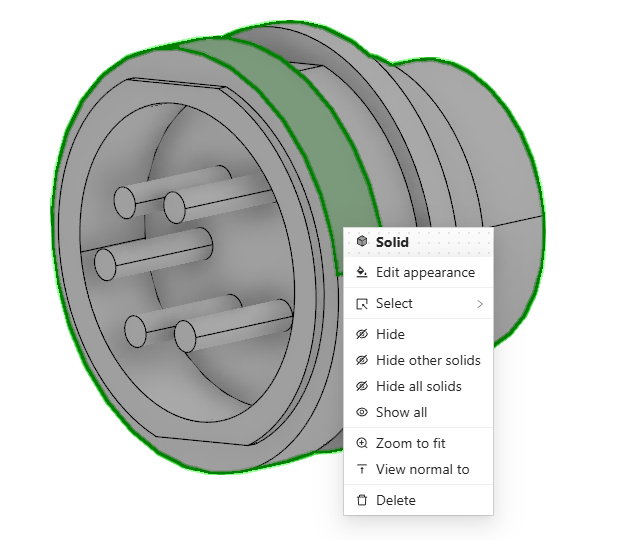
Introduction to Buerligons CAD
Welcome to Buerligons, our end-user, history-based, parametric CAD system. Developed using the Buerli Client Framework and powered by our ClasssCAD engine, Buerligons provides a robust environment for designing precise, parametric CAD models—directly in the browser.
Buerligons runs entirely in the browser, thanks to our CAD engine compiled into WebAssembly (WASM). This allows users to launch the system with a single click—no installation required. Once downloaded, the application is cached by the browser, enabling fast performance and offline availability.
For more advanced scenarios, Buerligons can also connect to a server-based instance using WebSockets. This setup supports extended workflows or backend processing, though it requires slightly more configuration and infrastructure.
Part Modeling
Buerligons empowers users to model parts and assemblies with an intuitive and feature-rich toolset:
- 2D parametric sketches: Easily create and fully constrain 2D profiles.
- Solid generation: Generate solids using extrude, revolve, and twist operations. Upcoming features will include swept solids (pipe and path sweeps).
- Sheet modeling: Create thin-walled features by extruding open profiles or omitting end caps.
- Primitives: Quickly insert basic shapes such as boxes, cylinders, and cones. All primitives are placed using parametric coordinate systems.
- Work geometry: Define supporting geometry like planes, axes, points, and coordinate systems to guide modeling.
- Boolean operations: Modify geometry through union, subtraction, and intersection operations.
- Slicing and trimming operations: Solids can be sliced or trimmed by either a plane or a sheet solid.
- linear and circular Pattern, Mirror: Solids can be patterned and mirrored. Note the merge flag in pattern feature, that allows merging all solids into a single one.
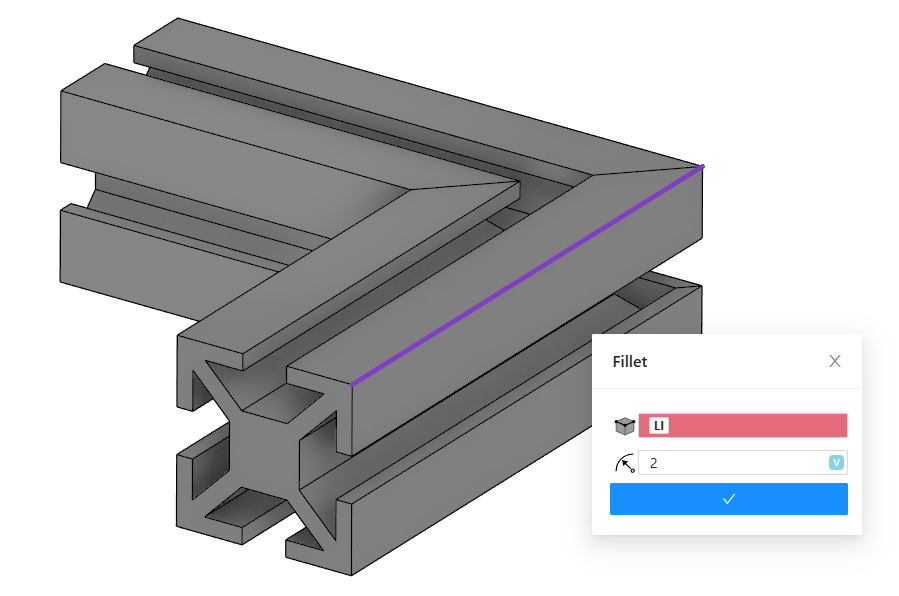
- Edge treatments: Refine geometry using fillets and chamfers on brep edges.
- Entity deletion: You can also delete solid entities. This is in particular usefull, when you import step files or when you create pattern and want to remove individual ones.
- Composite curve: Is still under construction is most useful when creating curvesets from connected sketchlines and brep curves. For multipe not connected curvesets, only the longest is kept.
Feature History & Rollback
Buerligons supports history based modeling. Thus it includes a rollback bar, allowing users to move through the model’s creation history. Editing a feature moves the rollback to the appropriate point, enabling contextual and historical model edits.
- Recalculation of the model could take a while especially, when many features must be recalculated.
- Please select references with care. Keep always in mind, which references are "stable" and can easiliy be reused for other variants.
Referencing
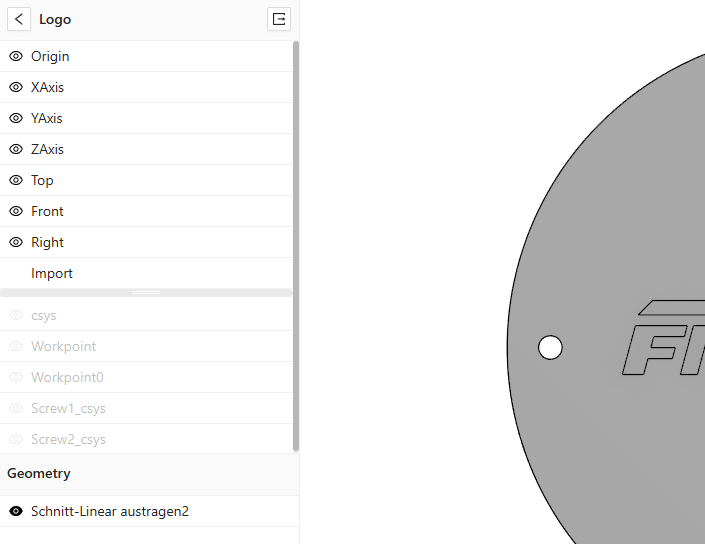
Referencing in Buerligons is often helpful, allowing users to base new features on both work geometry and BRep elements, ensuring parametric stability throughout the modeling process.
Assembly Modeling
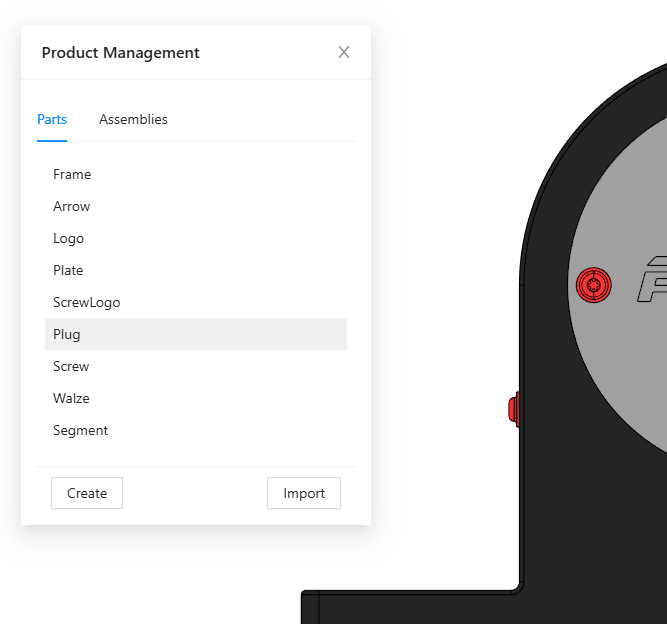
The Product Management Plugin streamlines the creation and management of assemblies within the canvas:
- Interactively instantiate parts and sub-assemblies
- Relate components using 3D assembly constraints, including constraints like fastened, slider, cylindrical and many more
Import & Export
Buerligons supports import and export of STEP models. Assemblies within STEP files are preserved during import. When importing into part mode, a stp assembly is flattened into a single part context.
Scope and Focus
Buerligons is not intended to compete with high-end CAD systems. Its focus is on:
- Simple, browser-based parametric design
- Efficient recalculation of parts and assemblies with new parameters
- Lightweight deployment and use
- Freeform modeling and direct editing are not supported.
- Use especially fillet features with care. Fillets are complex mathematical features and they are fragile.
Interacting with the 3D Canvas
- Context menus: Access object-specific tools with a right-click.
- Selection tools:
- Drag left-to-right to select fully enclosed elements
- Drag right-to-left to select intersecting elements